How to Buy a Computer in 2026
Quick answer: Buy 16 GB of memory and a real NVMe SSD, refuse anything sold with "eMMC" or "UFS" storage, and check the firmware support window before you check the price. For most people the MacBook Neo at $689.99 is the best machine per dollar on the market right now. If you need Windows, an off-lease HP EliteBook 840 G8 at $359.00 buys you business-grade hardware for the price of a disposable one. The full reasoning, and the eight other machines, are below.
247plan publishes this for working users who want plain-English coverage of security tooling and the hardware it runs on. // Specs first. Marketing last.
I have bought, imaged, and decommissioned a lot of computers. The pattern that never changes is this: almost nobody regrets spending more on memory, and almost everybody regrets buying the cheapest machine on the shelf. The cheap one is not cheaper. It is a payment plan where the installments are measured in your time.
This guide is organized the way the decision actually happens. First the five specs that decide whether the machine is still pleasant in year three. Then the security layer that never appears on the spec sheet, which is the reason this is on 247plan rather than a general tech blog. Then the traps. Then the machines.
The five specs that actually matter
Everything else on the sticker is noise. These five decide how the machine feels in 2029.
1. Memory: 16 GB, and it is not negotiable. Eight gigabytes was defensible in 2018. In 2026, a browser with twenty tabs, a video call, and a password manager will eat it. On most modern laptops, and on every Apple machine, RAM is soldered to the board. You cannot add it later. This is the one spec you cannot fix after purchase, which makes it the one to overbuy.
2. Storage: NVMe SSD, 512 GB minimum. The number matters less than the technology. See the trap section below, because this is where the cheap machines hide the knife. If you are upgrading the drive in a machine you already own, our NVMe SSD buying guide covers which one to buy.
3. The screen, because you stare at it for four years. 1920x1080 is the floor at 14 inches. Below that you are reading fuzzy text every day to save forty dollars once. Matte beats glossy in any room with a window behind you.
4. Battery, measured in watt-hours, not marketing hours. Manufacturers quote battery life from a video-loop test at low brightness with the radios off. Nobody has ever used a computer that way. Look at the watt-hour rating instead: under 45 Wh is a machine that lives near an outlet, and 55 Wh or better is a machine you can take to a coffee shop.
5. Ports, or the dongle tax. A laptop with two USB-C ports and nothing else will cost you a hundred dollars in adapters and a lifetime of remembering to pack them. One USB-A port and one HDMI port are worth more than a slightly thinner chassis.
The layer that is not on the spec sheet
Here is the part general buying guides skip, and the part that decides whether this machine is a liability in year five.
Firmware support window. Your operating system will keep updating. Your BIOS or UEFI firmware might not, and firmware is where the ugly vulnerabilities live. Consumer lines typically get two to three years of firmware updates. Business lines (HP EliteBook, Lenovo ThinkPad, Dell Latitude) commonly get five or more, because the corporate buyers who actually read support documents demand it. This is the strongest argument for buying a business-class machine, and it is why an off-lease EliteBook can be a better security purchase than a brand-new consumer laptop at the same price.
TPM 2.0 and Secure Boot. Windows 11 requires both, so any machine sold new with Windows 11 has them. They matter because they are what make disk encryption and boot integrity real rather than decorative. If you are looking at a used machine, confirm it is on the Windows 11 supported list. Windows 10 reached end of support in October 2025, which means a Windows 10 machine today is an unpatched machine.
Encryption that is actually on. macOS turns FileVault on during setup. ChromeOS encrypts by default and you cannot switch it off. Windows 11 Home enables device encryption on qualifying hardware, but Windows 11 Pro gives you full BitLocker with recovery-key management you control. If the machine will ever leave your house, that Pro license is worth it.
Verified boot, if you want the strongest default. ChromeOS checks a cryptographic signature on every boot and repairs itself if the check fails. It is the most locked-down consumer platform available, which is either exactly what a non-technical family member needs or exactly what will frustrate you, depending on who is typing.
Preinstalled software. Consumer Windows machines still ship with trialware, and some of it is a security-relevant nuisance rather than a merely annoying one. The first hour with a new consumer laptop should be spent removing things. Business SKUs ship far cleaner. For what to install instead of what came bundled, we covered that in Microsoft Defender vs paid antivirus.
Four traps that make a cheap laptop expensive
The storage bait-and-switch. This is the big one. A $319 laptop advertising "128GB UFS" or "eMMC" is not selling you an SSD. UFS and eMMC are the flash technology used in phones: slower, soldered down, unreplaceable. Windows plus its update cache will consume most of 128 GB on its own, and then the machine spends its life at 98 percent full, which is also the point where flash storage gets dramatically slower. A machine like the HP 2026 Student laptop at $319.99 is the archetype. It is not a scam, the listing says exactly what it is, but it is a machine that will feel broken within eighteen months and you cannot fix it, because nothing inside it is replaceable. Read the storage line before the price line.
Eight gigabytes of soldered RAM. Same logic, same permanence. If the listing says 8 GB and does not say "expandable," walk.
"AI laptop" as a spec. In 2026 nearly every new machine ships a neural processing unit and most of them put it on the box. The NPU is real, and for the vast majority of buyers it changes nothing about which machine to buy. Do not pay a premium for the sticker. Pay for memory.
Extended warranties on a machine with no serviceable parts. If the RAM and storage are soldered, an extended warranty is insurance against total loss, not a repair plan. Accidental damage coverage can be worth it on a laptop that travels. A standard extended warranty on a desk machine usually is not.
Where to actually buy it
The question behind the question is usually "am I getting ripped off," so: for new machines the price difference between Amazon, Best Buy, Costco, and buying direct from the manufacturer is small and moves week to week. Buy wherever the return window is longest, because the return window is the only warranty that matters in the first two weeks.
Two exceptions worth knowing. Manufacturer outlet stores (Lenovo, Dell, and HP all run one) sell overstock and returns at real discounts with a full warranty, and they are the most reliably underpriced source for business-class machines. And off-lease refurbished business laptops, the three-year-old EliteBooks and ThinkPads coming off corporate fleets, are the best value in the entire market if you buy graded stock from a seller with a return policy. You get a magnesium chassis, a spill-resistant keyboard, TPM 2.0, and a firmware support tail, for the price of a plastic consumer machine.
The one thing not to do is buy an unspecified "renewed" machine with no grade, no stated battery health, and no return window.
The nine machines
Prices and ratings below were checked on the day of publication and will drift.
| Machine | Price | Best for | The catch |
|---|---|---|---|
| HP 2026 Student | $319.99 | Nobody | 128 GB UFS storage. Listed so you can recognize it. |
| HP EliteBook 840 G8 | $359.00 | Best value in Windows | Off-lease, so the battery is used |
| Lenovo Chromebook 2-in-1 | $461.44 | The most secure default | ChromeOS only |
| Apple MacBook Neo 13" | $689.99 | Most people | A18 Pro is not a heavy-workload chip |
| Apple MacBook Air 13" M5 | $1,254.50 | The safe default | You pay for the badge and the resale |
| Lenovo ThinkPad T14 Gen 6 | $1,549.98 | Windows, done properly | Costs what it costs |
| Apple MacBook Pro M5 | $2,072.50 | Real workloads | Overkill for email |
| YubiKey 5C NFC | $58.00 | Everyone, on any machine | You need two |
| 14-inch privacy filter | $9.99 | Anyone who works in public | Dims the screen slightly |
The trap, so you can see it: HP 2026 Student, $319.99
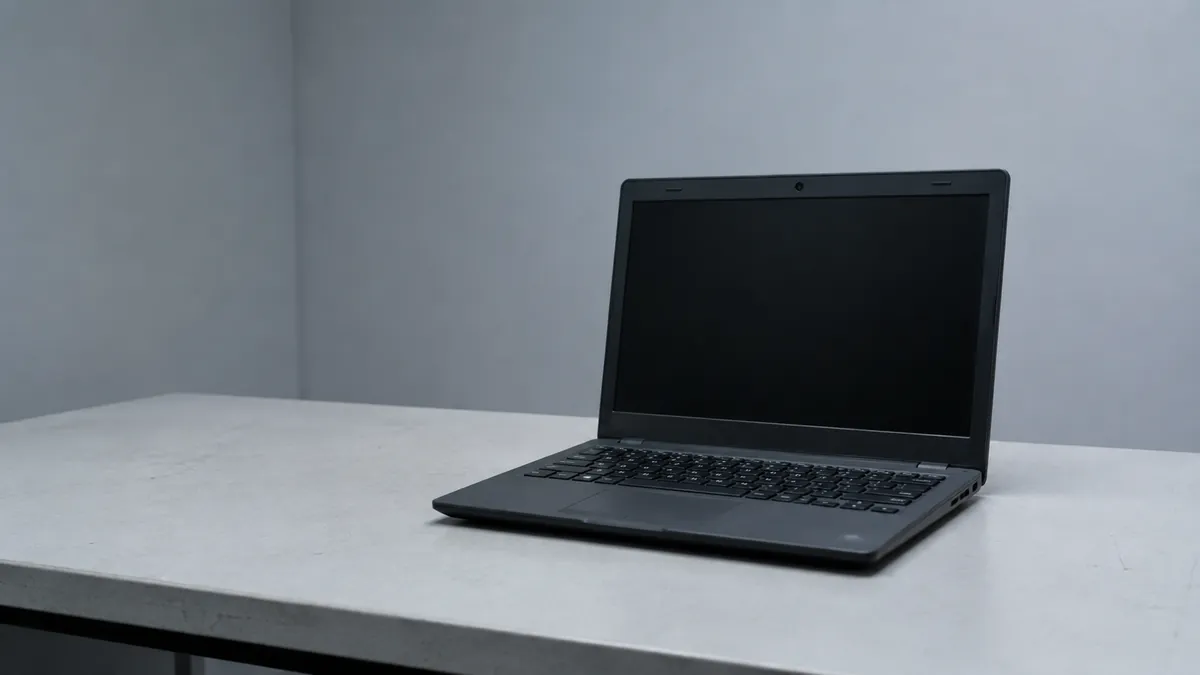
I am listing this one so the pattern is recognizable, not because you should own it. The listing is honest: 128GB UFS, Intel CPU, Copilot, a year of Office. It reads like a deal. What it actually is: phone-grade soldered storage, most of which Windows and its update cache will claim, in a chassis where nothing can be upgraded. It has no ratings yet, which means nobody has lived with it long enough to tell you what I just did. If your budget is genuinely $320, buy the used EliteBook below instead. It is thirty-nine dollars more and it is a different class of object.
Best value in Windows: HP EliteBook 840 G8, $359.00
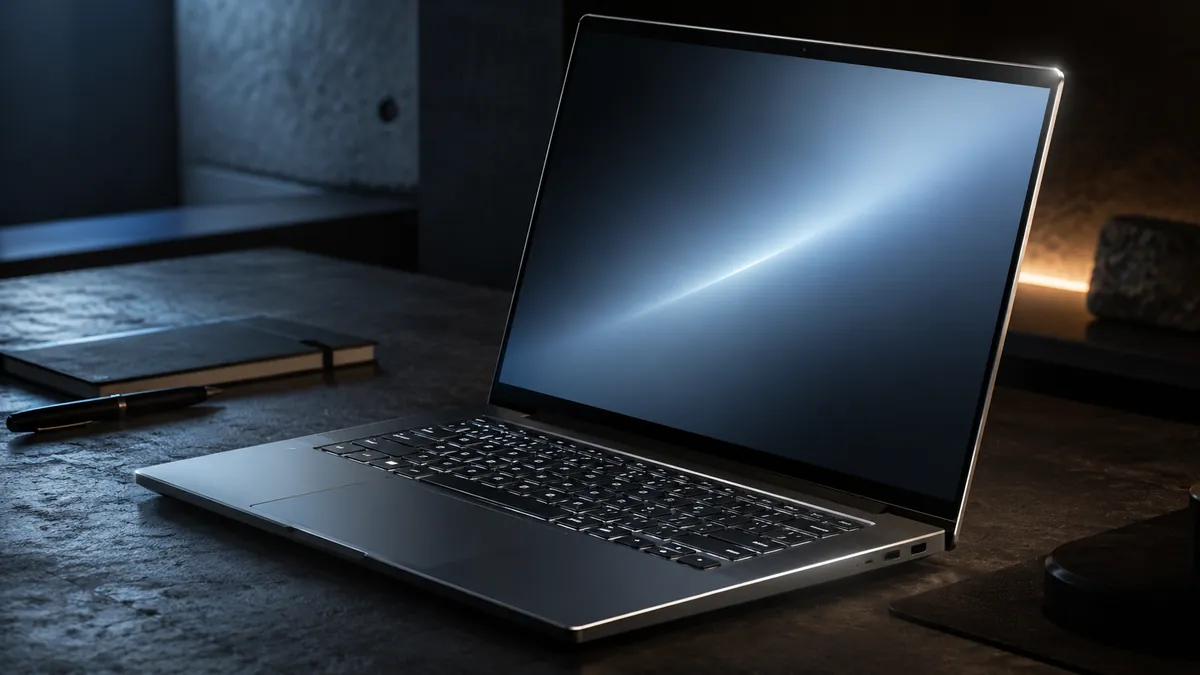
An i5-1145G7, 16 GB of RAM, a 512 GB SSD, a backlit keyboard, HDMI, and Windows 11 Pro, for $359.00. Rated 4.2 across 28 ratings. This is a three-year-old corporate machine that came off a lease, and it is the single best argument in this guide. You get the magnesium-and-aluminum chassis, the spill channel under the keyboard, TPM 2.0, Windows 11 Pro so you get real BitLocker, and a firmware support tail that a consumer machine at this price does not have.
The honest catch: the battery has been through three years of cycles. Budget for a replacement, or buy from a seller who states battery health. Confirm the return window is real before you order.
The most secure default: Lenovo Chromebook 2-in-1, $461.44
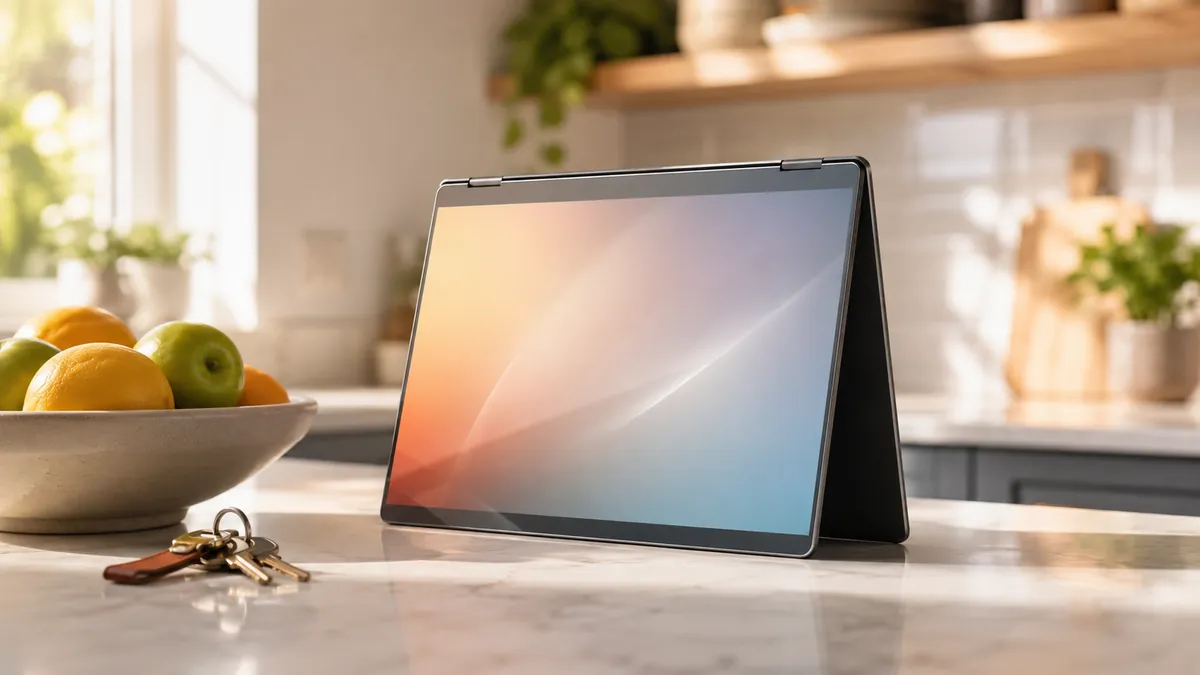
An Intel N150, 14 inches, folds into a tablet, 4.1 stars. ChromeOS has the strongest security posture of any consumer operating system by default rather than by configuration: verified boot on every startup, encryption you cannot accidentally disable, sandboxed applications, and automatic updates for ten years from the platform release date. There is no antivirus decision to make, because the threat model is different.
Buy it for a parent, a kid, or anyone whose machine you do not want to be responsible for. Do not buy it if you need desktop software, because you will spend the next year discovering what does not run.
Best machine per dollar: Apple MacBook Neo 13-inch, $689.99
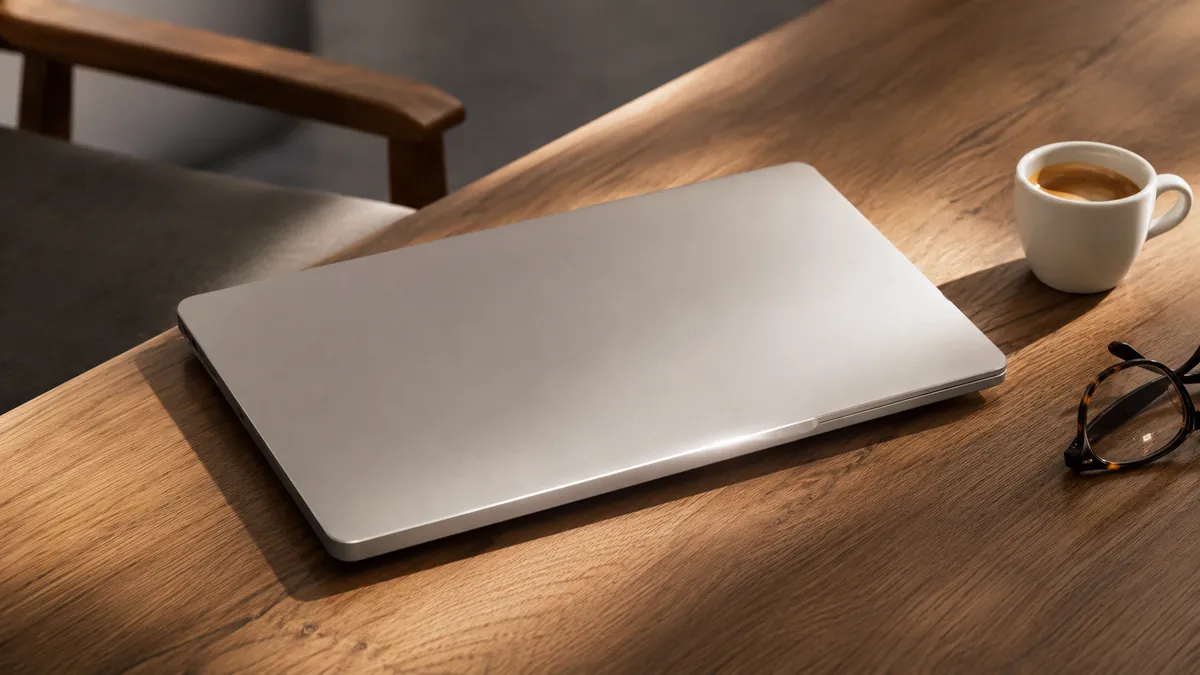
4.6 stars across 1,237 ratings, by far the deepest review pool of anything in this guide. An A18 Pro chip, Apple Intelligence, a Liquid Retina display. At $689.99 this undercuts every credible Windows machine with comparable build quality, and it arrives with FileVault, a Secure Enclave, and a support window measured in many years rather than a few.
The catch is honest: A18 Pro is a phone-lineage chip. For browsing, documents, mail, and video calls it is more than enough. For video editing or large compiles, buy the Air or the Pro.
The safe default: Apple MacBook Air 13-inch M5, $1,254.50
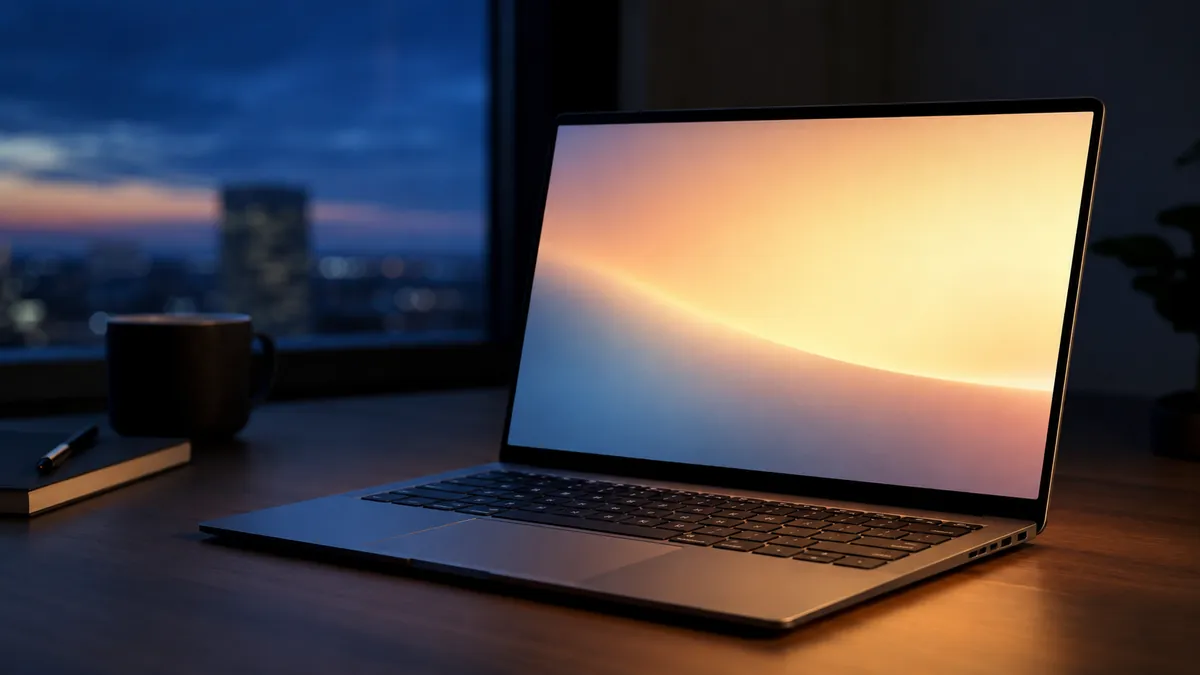
4.7 stars across 1,036 ratings. If you do not want to think about any of this, buy the Air. It is the machine with the fewest ways to be wrong: silent, cool, long battery life, strong resale value in three years, and an encryption and update story that asks nothing of you. You are paying roughly $565 more than the Neo for a genuinely faster chip and a better display.
Windows, done properly: Lenovo ThinkPad T14 Gen 6, $1,549.98
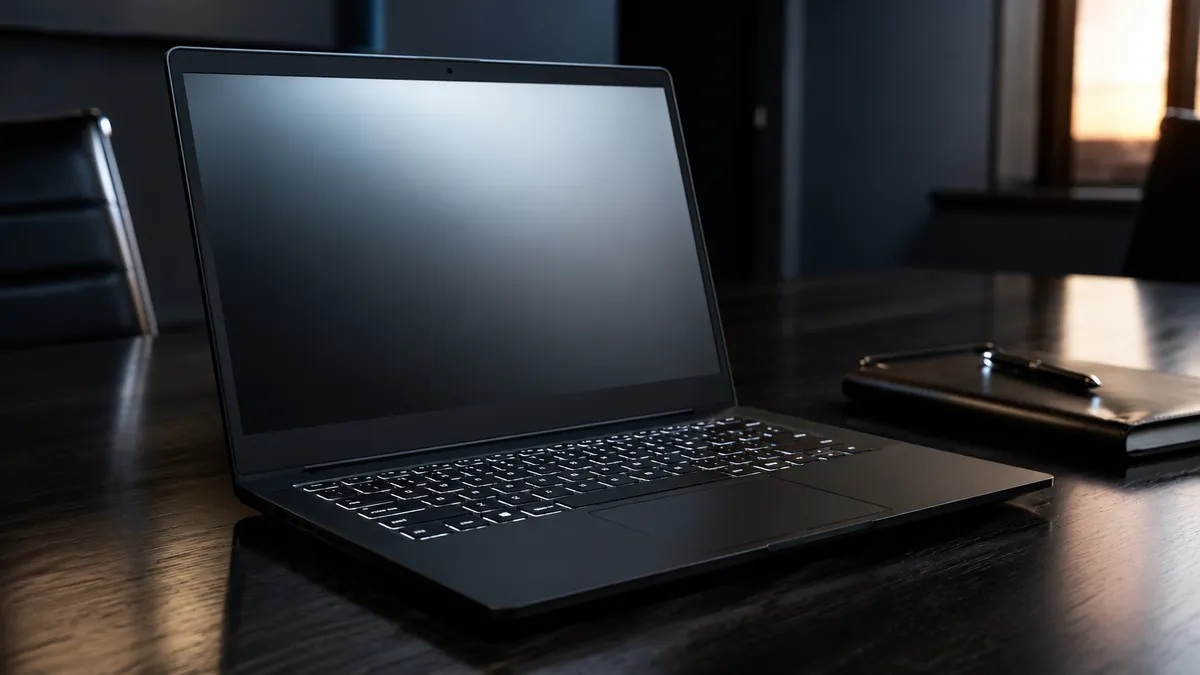
Intel Ultra 5 225U, 32 GB of DDR5, a 1 TB SSD, 4.4 stars. This is what you buy when the answer has to be Windows and the machine has to last five years. Thirty-two gigabytes is not an upsell at this tier, it is the reason the machine still feels current in 2031. You also get the full business-class support tail: firmware updates, documented part numbers, and a keyboard that is still the best in the industry.
The top end: Apple MacBook Pro M5, $2,072.50
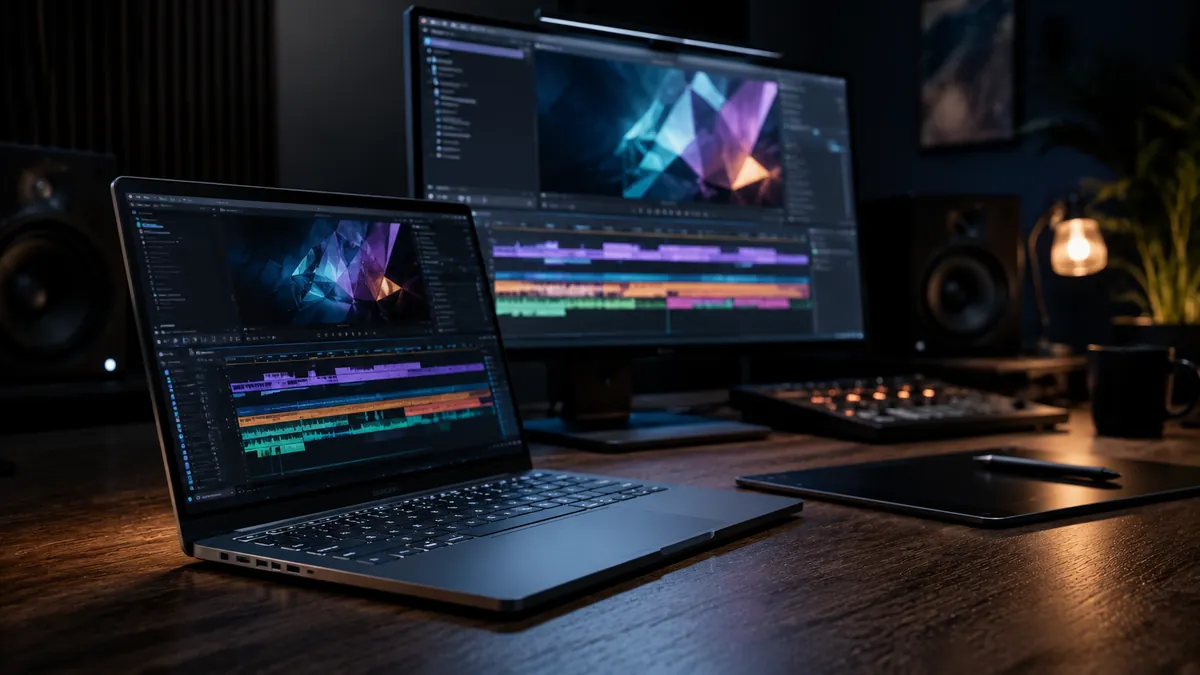
4.8 stars across 413 ratings, the highest rating in this guide. A 10-core CPU and a 10-core GPU. Buy it if you compile code, edit video, run local models, or keep thirty applications open. Do not buy it because it is the most expensive thing on the page. The Air does the same job for most people at $818 less.
The accessory that matters more than any of them: YubiKey 5C NFC, $58.00
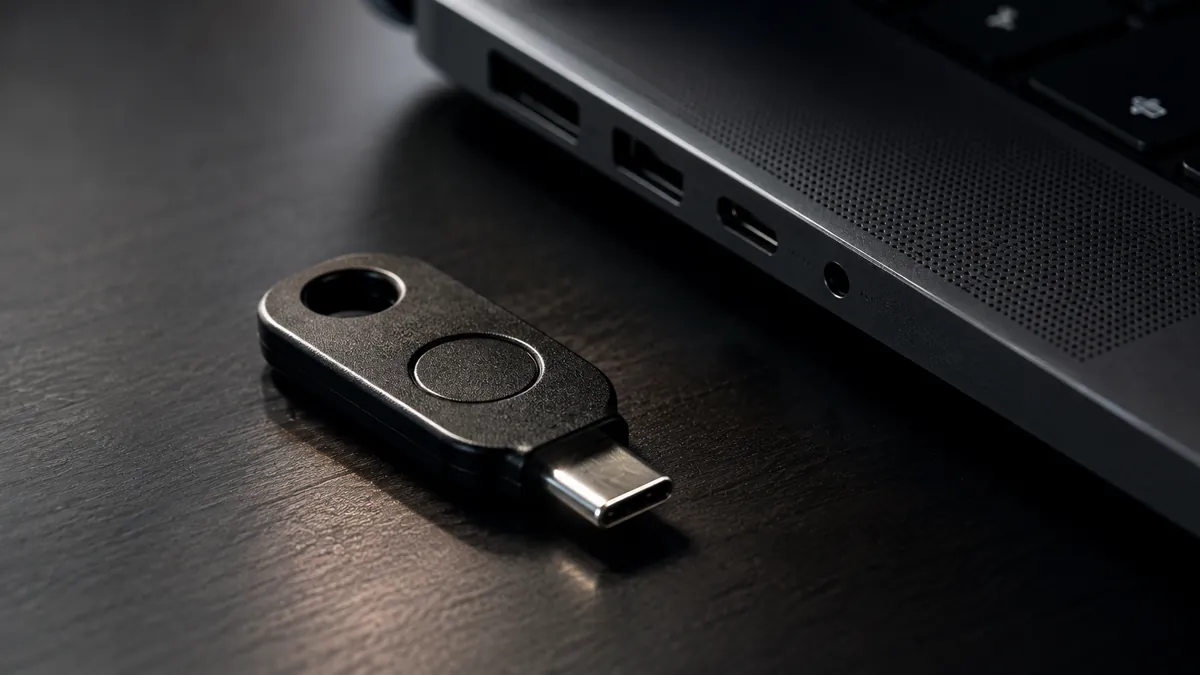
4.5 stars across 7,318 ratings. Whichever machine you buy, this is the upgrade with the best ratio of cost to consequence. A hardware key is the only widely available second factor that phishing cannot defeat, because the key checks the domain before it will sign anything. SMS codes and authenticator app codes can both be relayed by a convincing enough login page. This cannot.
Buy two. Register both on your important accounts and keep the spare somewhere else. A single hardware key is a single point of failure, and the lockout story is genuinely painful. The wider version of this argument is in what is in my cart.
The ten-dollar one: 14-inch privacy filter, $9.99
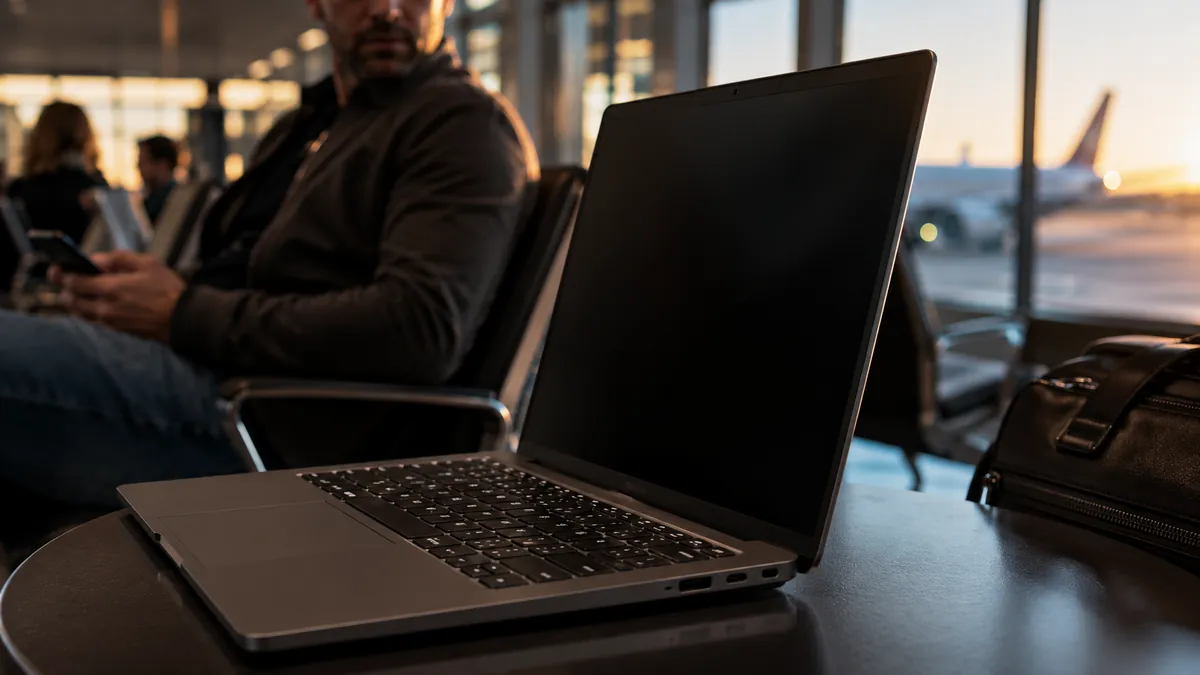
4.2 stars across 2,151 ratings. If you ever open your laptop on a plane, in a coffee shop, or in a waiting room, ten dollars buys the cheapest meaningful security control in this entire guide. Shoulder surfing is not a sophisticated attack and it does not need to be.
Frequently Asked Questions
How much should I actually spend?
Between $600 and $800 buys a machine that will still be pleasant in four years. Below $400, buy used business-class rather than new consumer. Above $1,500, you should be able to name the specific workload that requires it.
Is refurbished safe?
Off-lease business refurbished is the best value in computing, with two conditions: buy graded stock from a seller with a stated return policy, and wipe and reinstall the operating system yourself before you sign into anything. Do not buy unspecified "renewed" with no grade and no return window.
Mac or Windows?
If no software forces the answer, the Mac lineup is the lower-maintenance choice and holds resale value better. If you need specific Windows software, buy business-class Windows rather than consumer Windows, and get Pro for BitLocker.
Do I still need antivirus?
On Windows, Microsoft Defender is genuinely competent now and is the right default for most people. We went through the evidence in Microsoft Defender vs paid antivirus and best antivirus 2026.
What should I do first with a new machine?
Turn on disk encryption and write the recovery key somewhere physical. Enable automatic updates. Remove the preinstalled trialware. Register a hardware key on your email account, because email is the reset path for everything else.
Does the NPU or "AI laptop" branding matter?
Not for the purchase decision. Buy memory instead.